Best AI SDR Tools, Software, and Platforms for 2026
Compare AI SDR tools by prospecting, outreach, CRM actions, review controls, and pricing. Find the software that fits your team’s sales workflow.
By Can Buyuk on July 14, 2026
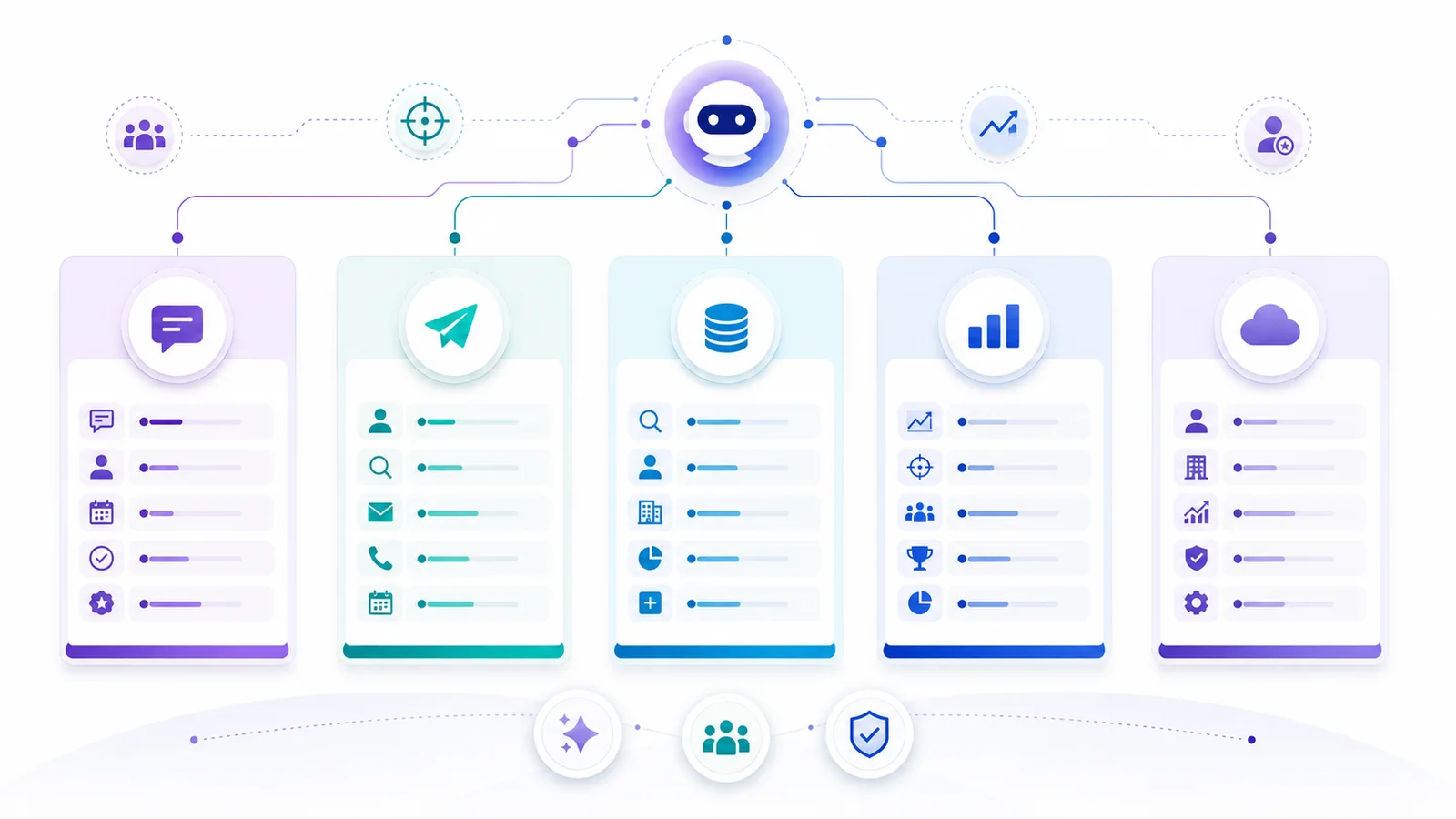
AI SDR tools can help with finding prospects, researching accounts, preparing outreach, and following up. The right shortlist starts with the work your team needs to delegate. Some products focus on outbound campaigns; others support inbound qualification, data enrichment, or sales activity inside a CRM.
This guide compares those categories using the same buying questions: what work can the software perform, which channels and systems does it use, where can your team review actions, and how is usage priced? Start with the comparison table, then test your shortlist with a real account brief.
GrowthEffect publishes this guide and makes Vera, one of the products discussed. Our comparison is based on the linked product documentation. Performance, setup effort, and fit should be validated in your own environment.
Key takeaways
- Define the part of sales development you need to improve before choosing software.
- Compare required actions and review controls, rather than relying on category labels.
- Check the plan, connections, permissions, usage, and human work each option needs.
- Use the same sample and success criteria for your shortlisted products.
AI SDR tools compared: scope, controls, and pricing
This is a buyer map, not a performance ranking. The first group has published scope reviewed for this update. The second group retains relevant inbound and platform evaluation routes; its current plan-level coverage is not established here.
| Product | Published scope | What to verify | Pricing reference |
|---|---|---|---|
| Vera | Account research, prospecting, email and LinkedIn outreach, and related sales work with company context and connected tools | Exact CRM actions, sender setup, approval boundaries, and credit use | Solo: $99 per user/month, billed monthly, for 1–2 users; current plans and terms |
| Artisan Ava | Outbound prospecting, campaigns, replies, and meeting booking with campaign-level approval settings | Review and escalation behavior, CRM actions, included capacity, and setup | Current plan or scoped quote; compare equivalent workload |
| 11x Alice | Buyer research, prospecting, personalized outreach, reply handling, and meeting scheduling | Required channels, human handoff, and contract scope | Price and billing unit not verified; request current terms |
| AiSDR | Research-led prospecting, multichannel outreach, and CRM-connected follow-up | Plan-level actions, connected channels, and escalation to a person | Current price and included workload not verified in this guide |
| Apollo | Prospecting data plus AI-assisted research, qualification, sequences, and automated workflows | What the assistant executes, what needs review, and who maintains campaigns | Current plan and usage limits not verified in this guide |
| Clay | Enrichment, AI research, message preparation, and configurable GTM work | Operator, data providers, downstream actions, and total workflow cost | Current plan and usage limits not verified in this guide |
Vera prices shown were checked on 7 October 2026 and exclude applicable taxes. Additional usage and sending accounts may cost extra. Credits, contacts, seats, and messages are different units; a headline price comparison alone is not like-for-like.
Additional categories to investigate
- Inbound website qualification: include Qualified Piper if that is the workflow you are evaluating; demonstrate visitor context, routing, booking, and handoff in the proposed setup.
- Existing sales platforms: if your team uses Outreach or Salesloft, check the work your current configuration can already handle before adding another product.
- CRM-led AI: investigate the specific HubSpot or Salesforce offering, license, data access, and actions needed for your process. A CRM logo does not establish every feature or permission.
For a narrower evaluation of agents performing B2B outbound work, compare outbound AI sales agents. Keep the tool-category decision and the agent’s task-level performance as separate questions.
AI SDR tool, software, or platform: what changes?
These labels overlap. A focused tool may support one sales-development task; a platform may combine data, engagement, CRM work, and management features. Neither label proves how much of your process can run without an operator.
Write down the assignment, inputs, connected systems, permitted actions, and handoff. Compare those requirements with what the vendor can demonstrate. This keeps an AI SDR software comparison grounded in the work you need rather than the wording on a product page.
What Is an AI SDR Tool?
An AI SDR tool uses artificial intelligence to automate or assist sales development. Depending on the product and setup, that can include account research, qualification, outreach, follow-up, scheduling, or CRM work. Verify each action you need rather than assume every tool includes the entire process.
That definition is broad. It includes several product types:
- AI outbound SDRs that find prospects, write messages, follow up, and book meetings.
- AI inbound SDRs that engage website visitors, qualify intent, answer questions, and route buyers.
- AI BDR tools that combine data, signals, enrichment, campaign execution, and meeting creation.
- Sales engagement platforms with AI support for sequences, messaging, task execution, and coaching.
- CRM-native AI agents that operate inside HubSpot, Salesforce, or another system of record.
- Data and research layers that improve targeting before any SDR motion begins.
Those categories should not be bought the same way. If the problem is “our inbound leads wait six hours,” a data enrichment layer will not solve it. If the problem is “our outbound lists are low quality,” an inbound AI SDR will not fix that either.
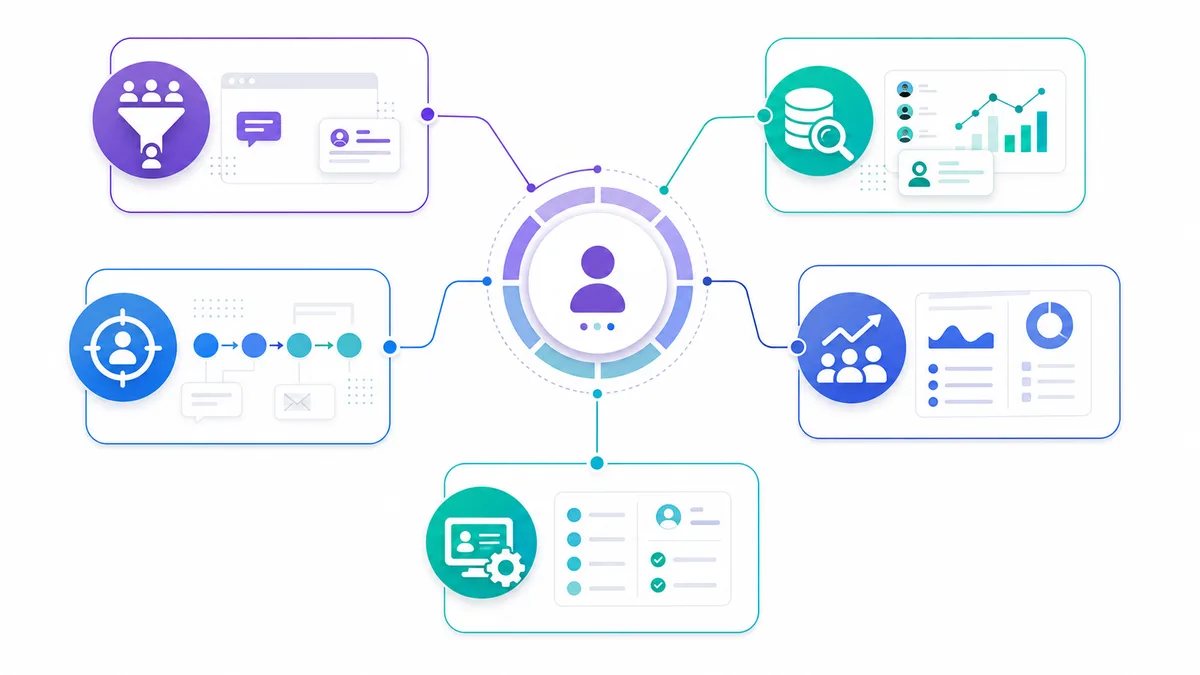
Which part of sales development do you need to improve?
Use the job to shape your shortlist. A team can need more than one category, but each task should have a clear owner and output.
1. Capture and qualify inbound demand
For existing website or campaign demand, ask how the system uses visitor or lead context, applies your qualification rules, routes to an owner, and escalates to a person. Test unsuitable leads as well as ideal buyers. Check booking and CRM behavior separately.
2. Create an outbound motion
For new accounts, examine sourcing, research, relevant messaging, follow-up, replies, and human handoff. Ask for the evidence behind the account selection and show where your team can review, edit, pause, or exclude a contact.
3. Improve data and research
Test the sources, freshness, missing data, and reasoning behind each account record. Apollo and Clay provide documented research capabilities, but the complete process also needs an owner for data quality, downstream actions, and review.
4. Coordinate work across a sales team
If the task is shared execution across many people, start with assignment, visibility, access, and workflow requirements. Check what your existing sales platform supports in the plan and configuration you actually use.
5. Work inside your CRM
Separate reading account context from writing records, assigning owners, or changing opportunity stages. Verify the specific product, license, fields, permissions, and approval behavior. Clean data and clear ownership matter whichever vendor provides the AI.
Vera: research and outbound with shared company context
Vera uses company context and connected tools to research accounts, identify relevant people, and prepare or run email and LinkedIn outreach within the boundaries your team sets. Outbound is one of its jobs; teams can also delegate related research, CRM work, and recurring sales tasks.
Evaluate Vera when you want company knowledge to carry across those jobs. In the demo, ask to see a qualification decision, its supporting research, an outreach draft, and the exact point where a person reviews or authorizes an action. Available integrations and actions depend on your workspace, plan, account permissions, and setup.
Company Brain provides business context that can be reviewed and corrected. It is not a promise of better results after every task. Check how new information is proposed, approved, and used later.
What to verify
- Required data sources and account coverage for your market.
- Exact CRM actions and the approval boundaries in your connected workspace.
- Sender identities, review controls, reply handling, and calendar behavior for the assignment.
- Credit use across research, outreach preparation, and other agent work.
See how Vera moves from account research to outreach, with the review points your team chooses. Explore Vera’s outbound workflow and check integration scope.
11x Alice: an AI SDR option to evaluate
11x’s Alice page describes buyer targeting, research, personalized outreach, replies, and meeting scheduling. Use that published scope to decide whether Alice belongs in your outbound shortlist.
Buying question: Which steps can it perform with your target accounts, channels, and handoff rules? Demonstrate review, exclusion, and escalation behavior rather than infer it from the word autonomous. Confirm contract scope and usage before comparing cost.
Artisan Ava: outbound campaigns and controls
Artisan Ava publishes capabilities across prospecting, research, campaigns, replies, and booking. It also documents campaign-level approval settings, review before sending, and pause controls.
Buying question: How do the controls behave for your targeting rules, message changes, and unusual replies? Human review is not unique to Vera. Check included usage and setup with Artisan, then compare the same task across candidates. If you are switching, review the alternatives to Artisan Ava.
AiSDR: research-led outreach and CRM follow-up
AiSDR’s published offering covers prospect research, multichannel outreach, follow-up, and CRM connections including HubSpot and Salesforce.
Buying question: Which channels, records, and actions are available in your proposed plan, and what happens when a prospect requests a human? Inspect the research behind each draft and confirm suppression and handoff behavior in your setup.
Qualified Piper: an inbound route to investigate
Keep Qualified Piper in your evaluation when your immediate task starts with inbound website demand. This guide does not establish its current plan-level feature coverage.
Buying question: Ask the provider to demonstrate the visitor context, qualification questions, routing, booking, and CRM handoff you need. Verify how the implementation works with your current website and systems before treating it as an alternative to an outbound workflow.
Apollo: prospecting, research, and engagement
Apollo’s documentation covers AI-assisted research and qualification as well as sequences and automated workflows. It should not be reduced to a contact database in this comparison.
Buying question: What can the assistant execute in your current plan, which steps require confirmation, and who maintains the workflow after launch? Test prospect selection, source accuracy, a draft sequence, and the resulting record updates.
Clay: configurable research and data work
Clay’s Use AI documentation describes enrichment, web research, content generation, and personalized message preparation using company and individual data.
Buying question: Which data providers, prompts, run conditions, and downstream actions does your complete workflow require? Identify who reviews outputs and maintains the process. Its research focus does not imply that automation is absent or that every outbound requirement is included.
Outreach and Salesloft: check the platform you already use
If your team already uses Outreach or Salesloft, evaluate its current plan and configured workflows before adding a separate AI SDR. Neither product was given a current plan-level feature benchmark in this review.
Buying question: Can your existing system support the research, engagement, shared work, and oversight you need? Ask an administrator or vendor to demonstrate the precise workflow, then compare the extra setup, usage, and operator effort.
HubSpot and Salesforce: evaluate the specific CRM offering
A CRM-led route may be relevant when the required records, permissions, and sales work already live in HubSpot or Salesforce. Review the specific HubSpot agent offering or Salesforce sales-agent offering rather than assume one product name includes every AI feature.
Buying question: What license, data preparation, admin work, and approval setup are needed? Demonstrate the exact reads, writes, routing, and escalation your process requires. Plan-level coverage is a verification step, not a feature claim established by this guide.
Turn your requirements into a shortlist
Write down the bottleneck, the work to delegate, and the evidence that would show the job was done well. Keep products that can demonstrate your required actions, even where their category labels overlap.
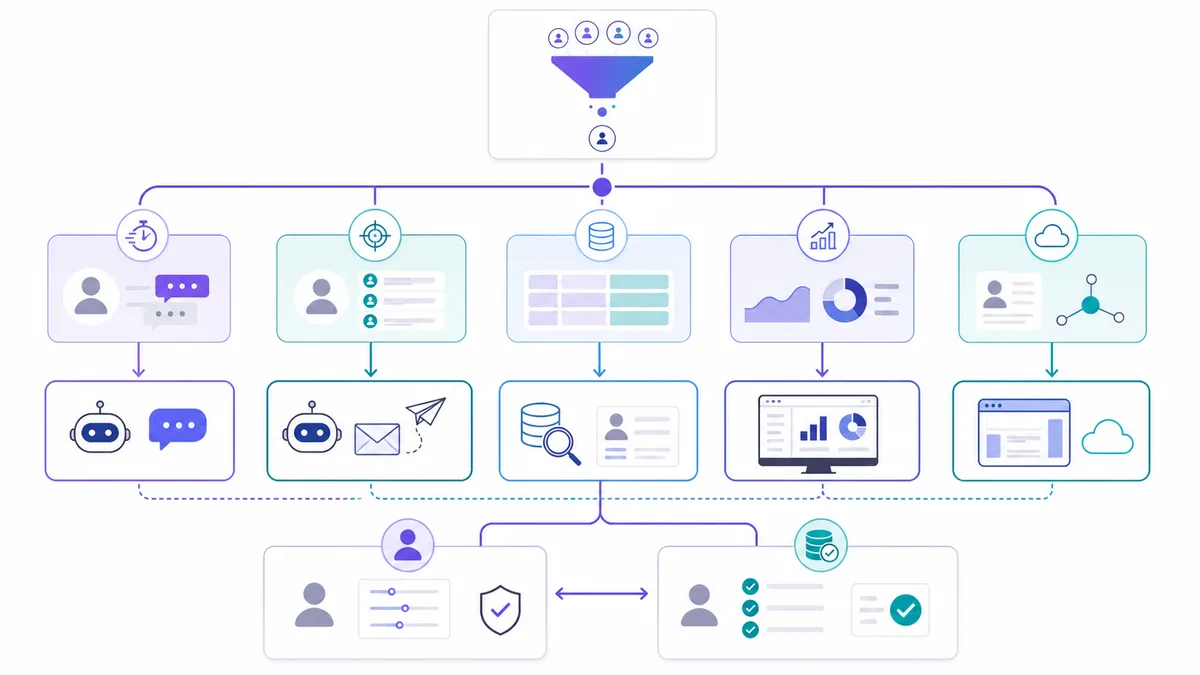
For outbound, start with account selection and research before comparing sending volume. For inbound, start with qualification and human handoff. For CRM or shared-team work, start with data access, record ownership, and the changes the system will make.
How to Evaluate AI SDR Tools Before Buying
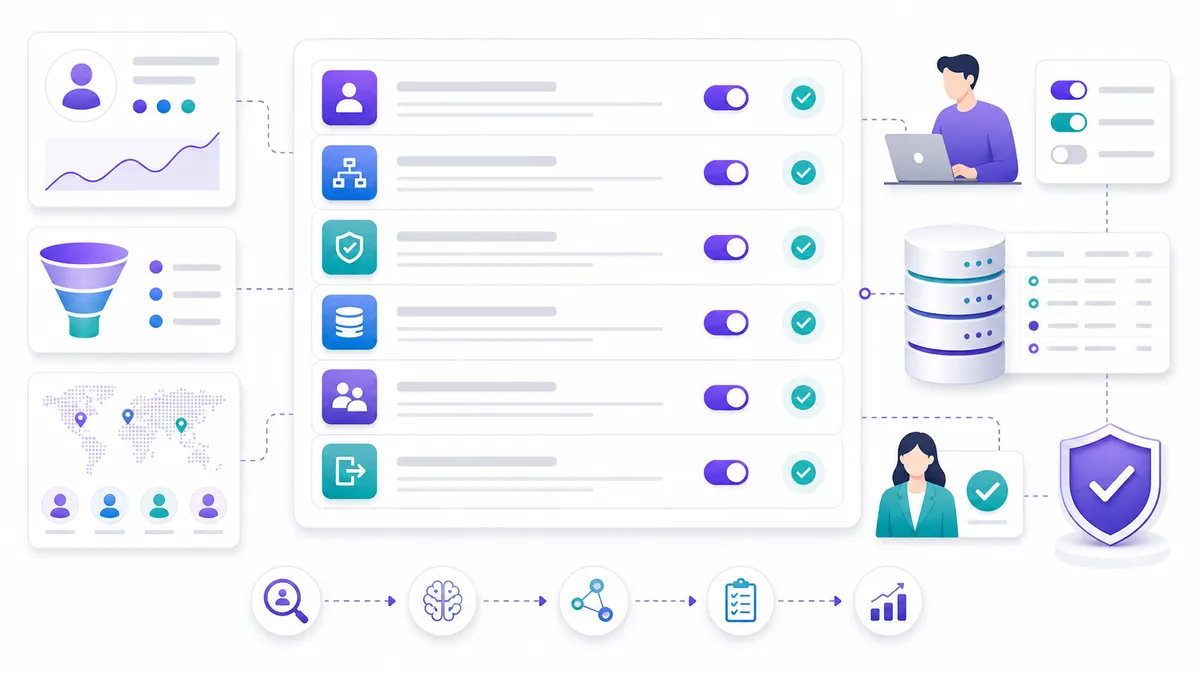
Use the following proposed evaluation steps with the same sample and criteria for each candidate. They are a buying checklist, not results from a test performed for this guide.
1. Test With Your Real ICP
Use your actual ICP, exclusions, target geographies, offer language, and forbidden claims. Sample or anonymized account data is enough to begin; do not upload a full customer list just to assess fit.
If the system cannot handle your actual market, it is not ready for your pipeline.
2. Separate Inbound and Outbound Tests
Inbound and outbound should be tested separately.
For inbound, test response speed, qualification logic, objection handling, routing, meeting booking, CRM notes, and human escalation.
For outbound, test source quality, enrichment, account research, first-touch personalization, follow-up consistency, reply handling, suppression logic, and handoff quality.
3. Inspect Human Control Points
Good AI SDR systems do not remove human judgment from high-risk moments.
Check where humans can review, approve, pause, edit, override, or escalate. This matters for regulated industries, high-ticket services, founder-led selling, and markets where tone or compliance risk is high.
4. Check CRM Behavior
The CRM is where AI SDR quality becomes operational truth.
Ask what fields are updated, what notes are written, how owners are assigned, how meetings are logged, how suppression works, and whether the next human can understand what happened.
If CRM state is messy, the AI SDR may create more admin rather than less.
5. Ask About Bad-Fit Leads
Most demos focus on ideal buyers. Real sales pipelines include students, vendors, low-budget leads, competitors, confused prospects, and buyers who are not ready.
Your AI SDR should have a clean exit path for bad-fit leads. Otherwise, it wastes calendar slots and rep attention.
6. Require a Handoff Standard
Make the handoff an explicit part of the evaluation.
A useful handoff should include:
- Lead and account identity.
- Source and trigger.
- Qualification answers.
- Pain or business context.
- Objections or concerns.
- Recommended next action.
- Conversation history or summary.
- CRM fields updated.
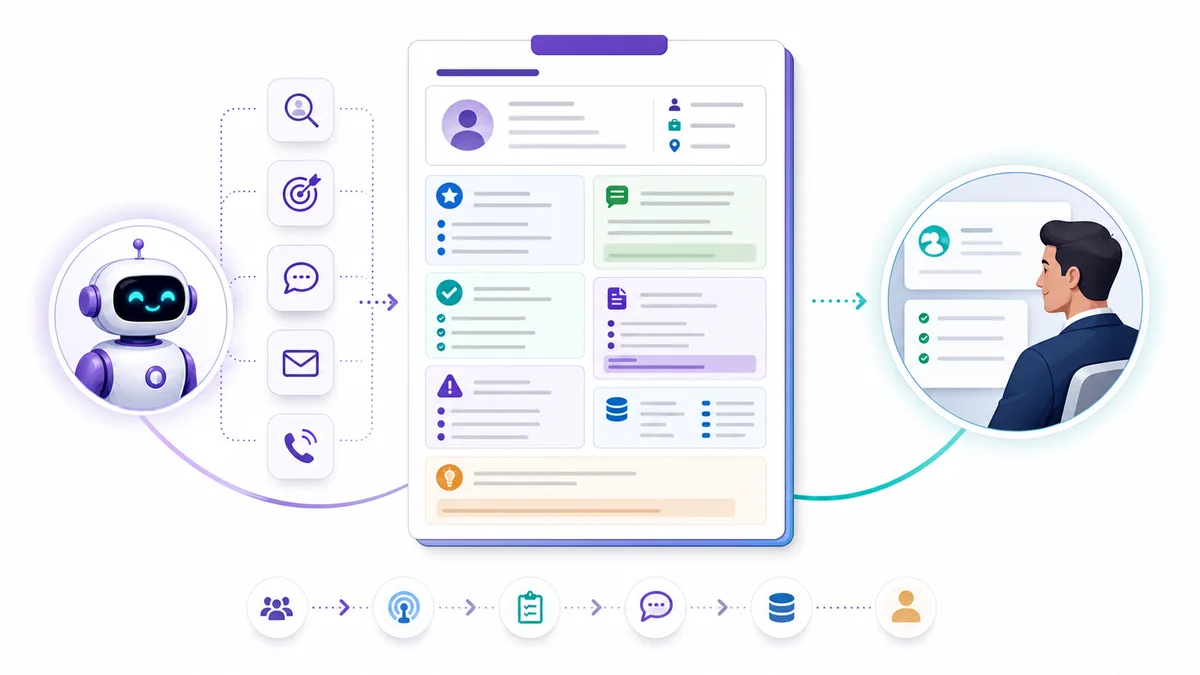
Without that, the AI SDR may create meetings but still leave the AE blind.
Compare cost, setup, and the work your team keeps
Use the same team size and workload for every option. Count seats, credits or contacts, sending accounts, data providers, onboarding, and review time. Confirm which subscriptions you would actually replace instead of assuming every tool in your stack becomes unnecessary.
Define a pilot owner and measure research accuracy, usable drafts, corrections, qualified replies, and verified CRM outcomes separately. Keep a sent message, a booked meeting, an attended meeting, and a qualified opportunity as different results. None is a guaranteed outcome of buying software.
Choose the software that fits your sales process
The useful shortlist is the one tied to your team’s task, data, systems, and controls. Compare documented scope, validate the work in a small pilot, and record the parts that still need a person.
If you are evaluating Vera, bring one account brief and your current sales process. See which work Vera can take on and where your team stays involved.
Book a Vera demo or review plans and usage.
Frequently asked questions
What are the best AI SDR tools?
The best fit depends on the part of sales development you want to improve. Use the comparison table to select candidates, then verify their actual actions, controls, setup, and cost with the same task brief.
Is AI SDR software different from an AI SDR platform?
The terms overlap. A platform may combine more tasks and systems, but neither label establishes how autonomously the work runs or what is included in a plan. Compare the workflow and its operating requirements.
What is the difference between inbound and outbound AI SDR work?
Inbound work begins with existing demand and focuses on qualification, routing, and next steps. Outbound begins with identifying and researching target accounts before contact. A product can support both, but each required workflow should be demonstrated separately.
Are AI SDR tools the same as sales engagement platforms?
Capabilities can overlap. Some products focus on an AI-performed assignment; others provide a broader environment for a team to manage engagement. Verify what runs automatically, what a person operates, and how the results reach the sales team.
Should I include Apollo and Clay?
Yes, when their published research, data, or workflow capabilities match your needs. Apollo documents AI qualification, sequences, and automation; Clay documents AI research, enrichment, and message preparation. Check the full workflow rather than assume a category label excludes them.
Can AI SDR tools replace human SDRs?
They may handle parts of repetitive sales-development work. Whether that changes staffing depends on the actual scope and results. Keep humans accountable for important commercial decisions, discovery, negotiation, strategic relationships, and exceptions.
How should I test before buying?
Use a representative sample, realistic exclusions, your review boundaries, and the CRM fields you require. Check sources, drafts, rejection and opt-out behavior, handoff, usage, and human review time. Measure business outcomes separately from activity.
Is Vera an AI SDR tool?
Vera can handle prospecting, outreach, and follow-up within configured permissions. Outbound is one job; its broader scope includes company-context research, connected CRM work, signals, meeting preparation, and recurring sales tasks. Verify the actions available in your plan and setup.
Sources and methodology
Public product information reviewed on 7 October 2026. GrowthEffect publishes this comparison and makes Vera. Linked documentation supports published scope, not independent performance claims. No hands-on comparative ranking was performed. Current plan and contract details require provider confirmation.
- Vera product scope
- Vera outbound workflow
- Company Brain
- Vera integration scope
- Vera pricing
- 11x Alice
- Artisan Ava
- Artisan pricing
- AiSDR
- Apollo AI research and qualification
- Apollo AI engagement
- Clay Use AI documentation
- HubSpot agent offerings to verify
- Salesforce sales-agent offering to verify
Work with GrowthEffect AI
GrowthEffect AI helps B2B teams automate inbound response, outbound pipeline generation, qualification, CRM updates, and sales handoff.