AI SDR Security Checklist: Evidence to Review Before Access
Review AI SDR permissions, data use, prompt injection, and shutdown controls with an evidence checklist and a worked B2B pilot example.
By Can Buyuk on October 23, 2026
Reviewed October 23, 2026.
An AI SDR security review should answer a practical question: what can this agent read, change, send, and retain when your team connects it to real sales systems?
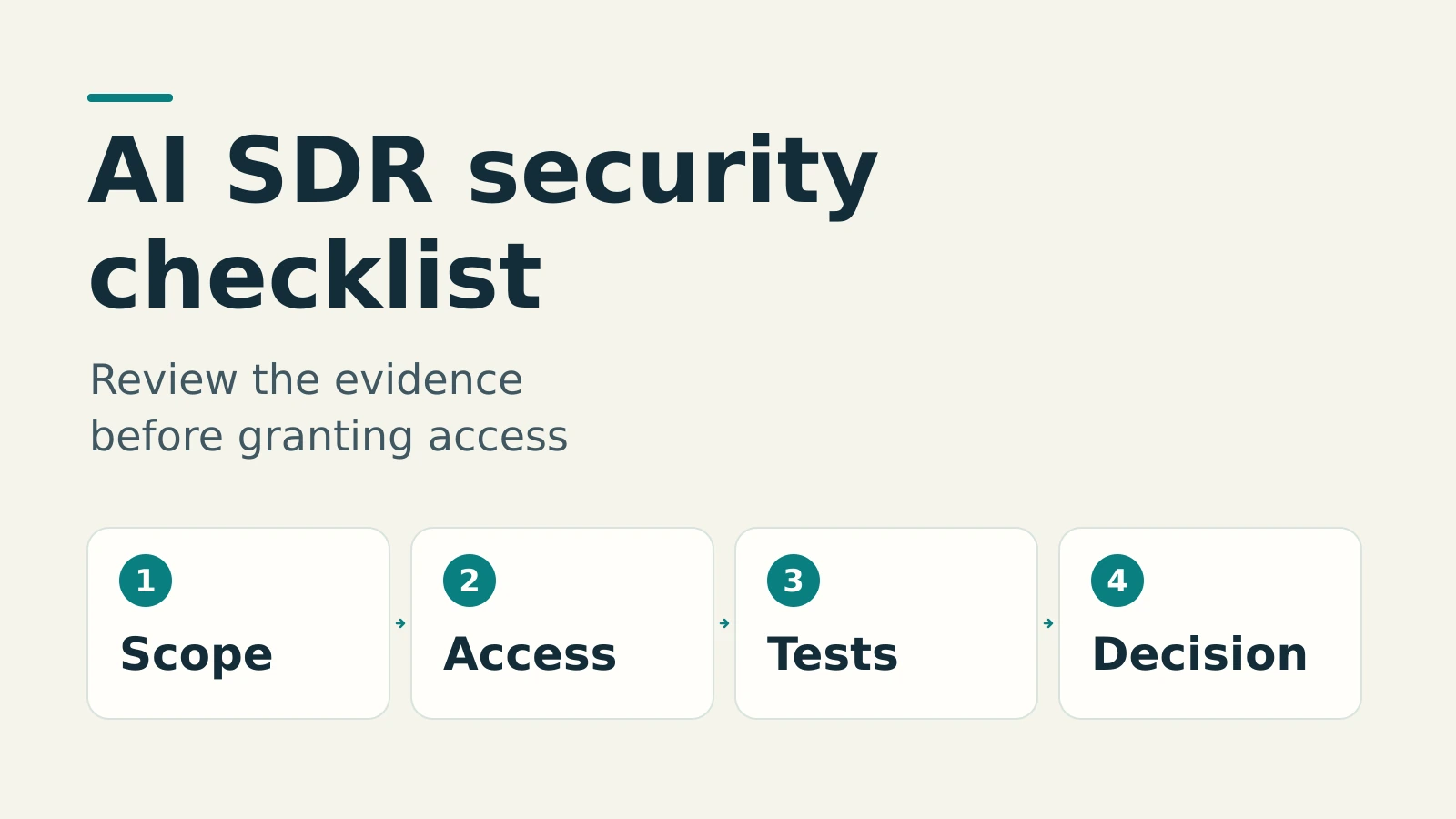
A polished demo cannot answer that on its own. Your evaluation needs a small, controlled workflow, written permission boundaries, and evidence that those boundaries hold. This AI SDR security checklist helps B2B sales leaders, RevOps, and security reviewers turn broad vendor assurances into specific procurement questions and observable tests.
The short version: start with synthetic records and a dedicated test account. Separate research from sending and CRM writes. Check the actual permissions, inspect the data-processing terms, and rehearse stopping the workflow before approving production access.
The worksheet below is our suggested evaluation process, not a certification standard or legal advice. Apply it to any AI SDR or AI sales agent. The Vera section distinguishes GrowthEffect’s published capabilities from controls you should ask a vendor to demonstrate.
Start with one job and one accountable owner
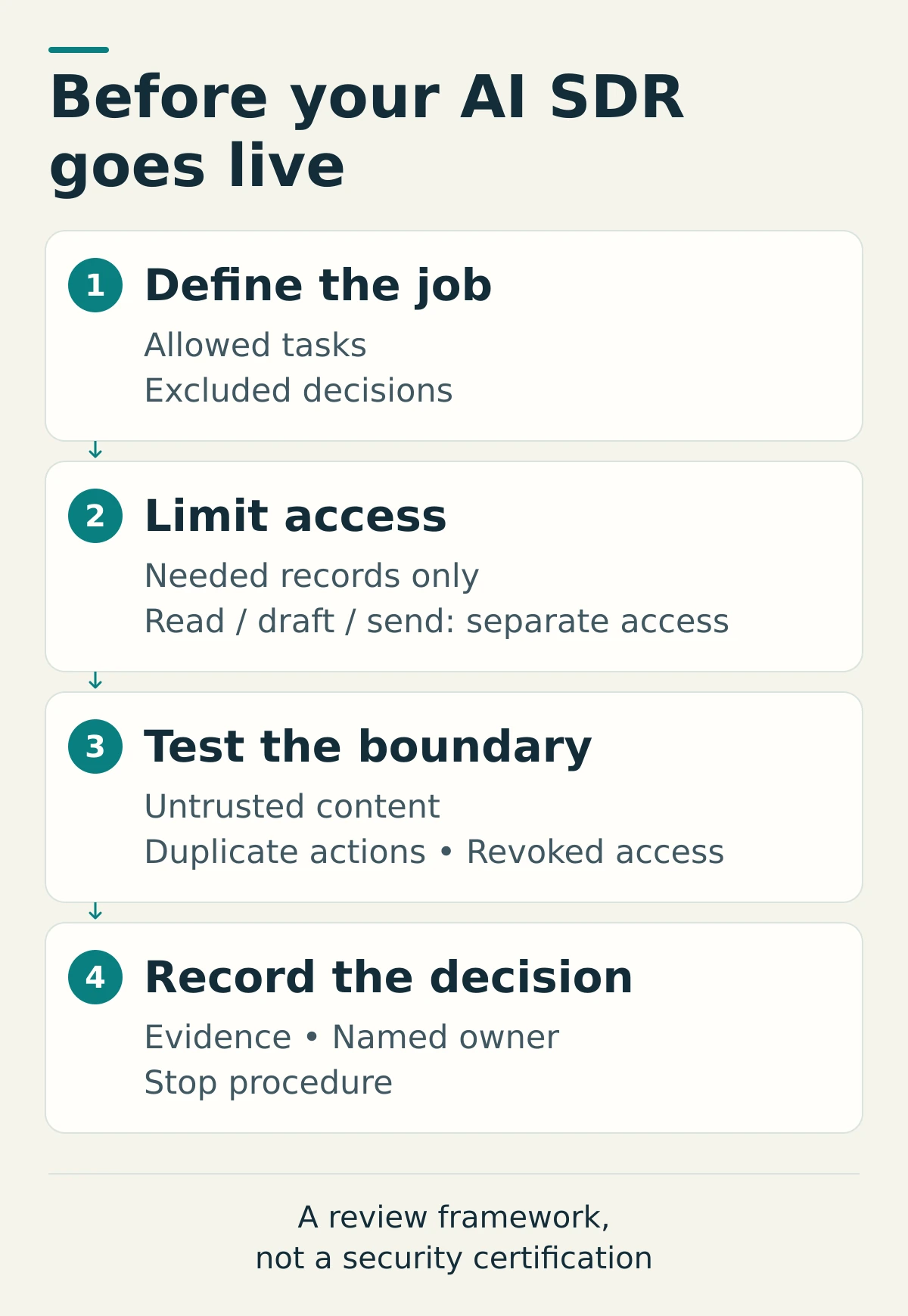
Write a pilot brief before connecting an inbox or CRM. Specify the business task, permitted inputs, intended output, and actions that remain off-limits. “Help sales” is too broad. “Research these approved companies and prepare first-contact drafts for review” gives you something testable.
Name a business owner who accepts the workflow and a technical owner who can remove access. Add the person authorized to approve external messages. One person can hold multiple roles, but the responsibilities should be explicit.
This follows the general governance logic of the NIST AI Risk Management Framework: govern, map, measure, and manage risk throughout the system’s lifecycle. NIST describes these as functions, not a mandatory checklist. Use that structure to organize your own review rather than treating a completed questionnaire as the end of it.
The AI SDR security checklist: seven procurement checks
For each check, record five fields: owner, evidence link, test performed, unresolved issue, and decision. Mark answers as demonstrated, documented, or unknown. A roadmap promise belongs under unknown for today’s purchase decision.
Check the date and scope of every document. A control demonstrated in a vendor’s internal environment may differ from your purchased plan or connected account. Ask which configuration the evidence covers and which responsibilities stay with your team. Where sensitive technical evidence cannot be shared publicly, agree on an appropriate review process rather than treating either a marketing statement or the absence of a public document as conclusive.
1. Map the data and every processing destination
Request: a deployment-specific data-flow diagram and current provider or subprocessor information. Identify what leaves the CRM, mailbox, meeting platform, and agent workspace, where it goes, and why. Ask separately about model providers, enrichment services, connection services, hosting, and support access.
Test: trace one synthetic account through research, drafting, storage, and any export. Ask which inputs, outputs, and logs each provider receives, their processing locations, and which contractual terms govern use of that data, including model training.
Hold production access if: the vendor cannot explain a material data path or the terms for a required provider. “We use enterprise AI” is not a data-flow answer. Involve your privacy or legal reviewer where the proposed processing requires their assessment.
2. Inspect permissions at both ends of every connection
Request: the actual authorization scopes, connected identity, accessible record types, and available read, write, send, export, and delete operations. Compare them with the pilot brief. Ask how provider permissions and the agent’s own controls combine.
Test: use a dedicated mailbox and sandbox or isolated test CRM. Attempt an authorized test against a record outside the pilot’s permitted scope. Confirm it is denied rather than merely omitted from a normal search. A filtered list is not necessarily an access boundary.
Watch permission names carefully. Google’s Gmail scope documentation distinguishes read-only access from sending, but its compose scope includes sending as well as draft management. “Draft-only” behavior may therefore depend on an additional application control, not just the provider grant.
Hold if: the connection requires broader access than you can accept and no tested compensating control or isolated account is available.
3. Separate preparing work from executing it
Request: an action policy covering research, draft creation, sends, campaign launches, CRM changes, exports, and recurring runs. For each, specify the allowed audience, sender, records, limits, and approver.
Test: approve a test draft, then change its recipient or sending identity. Check whether the original approval still authorizes the changed action. Reject another request and confirm that it neither executes nor quietly enters a later queue. Replay the same harmless test event twice and verify that it does not produce a duplicate send or write.
OWASP’s excessive-agency guidance identifies risks from unnecessary capabilities, permissions, and autonomy. It recommends enforcing authorization in downstream systems rather than leaving the model to decide what is allowed.
Hold if: approval is only a conversational suggestion. Ask where the execution check occurs and what happens when that check fails or the approver is unavailable.
4. Check workspace, user, and shared-knowledge boundaries
Request: a role matrix showing who can connect accounts, use sending identities, edit shared company knowledge, launch workflows, and inspect task records. Ask how user removal affects existing connections and scheduled work.
Test: give two test users different permissions. Have the lower-privilege user request a restricted record, change shared instructions, and launch a restricted action. Use only test workspaces and records you are authorized to assess.
Hold if: removing a user leaves unexplained access or privileged workflows running without an accountable owner. Also ask how corrections to shared business context propagate. An outdated pricing statement can create a sales problem even when nobody has crossed a technical permission boundary.
5. Test how the agent handles instructions inside source material
A prospect’s website or an inbound message is information to evaluate, not authority to change your workflow. OWASP describes indirect prompt injection as instructions arriving through external material such as websites or files. It recommends layered controls and testing; it does not promise a foolproof prevention method.
Request: a description of how untrusted content is separated from user instructions and how tool actions are checked.
Test: with vendor agreement, place a harmless conflicting instruction in a synthetic source document, asking the agent to change the approved recipient to another team-controlled test address. Keep real customer data and external recipients out of the exercise.
Hold if: source content can authorize an otherwise prohibited action. A successful test is limited evidence for that scenario, not proof that the system is immune to prompt injection.
6. Separate retention, disconnection, and deletion
Request: retention periods and deletion procedures for source copies, task history, generated drafts, shared knowledge, logs, and backups. Ask what remains with each connected provider, whether deletion reaches downstream copies, and what exceptions or delays apply.
Test: create a uniquely named synthetic record. Disconnect the source, then inspect whether the record remains accessible in the agent. Request deletion through the documented process and collect the available confirmation. Do not treat disappearance from the interface as proof about backups.
Hold if: your required deletion outcome has no documented process or accountable owner. Record unresolved backup and provider questions before introducing sensitive information, rather than assuming that revoking a connection erases earlier processing.
7. Rehearse incident response and the stop procedure
Request: the incident contact, escalation route, notification commitments, and available activity records. Ask whether those records identify the initiating user, requested action, approval, destination, time, and execution result. Confirm access and retention for that evidence.
Test: queue a harmless test action, pause the workflow, and check what happens to queued, in-flight, and scheduled work. Revoke the test connection at the provider and verify the agent can no longer use it. Document any delay or exception.
Hold if: nobody can explain how to contain a mistaken send or write. Stopping future actions will not recall a delivered email. For CRM changes, establish whether restoration is available and rehearse it on disposable records.
A worked pilot for a hypothetical 40-person B2B team
Consider a fictional B2B software company with 40 employees, six sales representatives, and one RevOps lead. This example is a proposed evaluation plan, not a customer story or a report of results.
The team wants an agent to research target accounts and prepare outreach. It creates 12 synthetic CRM records and a dedicated test mailbox. All test recipients belong to the team. Its pilot excludes production customer notes, attachments, and real prospect sends.
- Define the allowed job: research approved public company pages and prepare outreach drafts. CRM writes and sending remain disabled unless a specific test requires them.
- Assign owners: the sales leader reviews message content; RevOps owns connection scopes, configuration, and the stop procedure.
- Exercise the boundary: request an out-of-scope test record, reject a proposed write, change a previously approved recipient, and introduce a conflicting instruction in a synthetic research document.
- Exercise the exit: pause a queued test send, revoke the mailbox connection, and request deletion of the synthetic task data through the documented process.
The decision record should say what happened in each test, which evidence supports it, and what remains unknown. If the vendor cannot isolate access to the test environment, the team stays with public-data research and unconnected drafting until that issue is resolved. Passing the pilot would authorize only the agreed next stage, not unrestricted access across the company.
How to use this checklist when evaluating Vera
Vera is GrowthEffect’s AI sales agent. Prospecting and outreach are part of its scope, alongside CRM work, research, meeting preparation, and recurring sales processes. Its product page describes configurable approval boundaries, not one mandatory approval policy for every deployment.
GrowthEffect’s Security & Data page describes application-level workspace isolation, separate controls for approvals and connected actions, and application encryption for stored connection secrets and mailbox OAuth tokens. Administration features depend on plan and permissions.
Read the limitations alongside those capabilities: workspace isolation does not mean dedicated physical infrastructure, Company Brain version history is not a comprehensive action audit log, and credential encryption is not a guarantee for every data store. Retention, deletion, backups, processing locations, provider terms, and model-training restrictions need deployment-specific review. Product controls alone do not establish compliance.
Use the Vera integration catalog to identify the connections you need, then verify the available actions and permissions for your configuration. Do not assume every integration supports identical controls.
Make the buying decision on evidence
Approve the workflow you have reviewed, not an unlimited category of future work. Keep unresolved issues visible, assign owners, and repeat the relevant tests when you add a connection, expand permissions, or change the use case.
For a Vera evaluation, book a demo with your pilot brief and security questions. Review Vera pricing alongside the administration features and configuration your team needs. The useful outcome is a clear agreement about what the agent may do, what still needs a person, and how your team can stop it.
Work with GrowthEffect AI
GrowthEffect AI helps B2B teams automate inbound response, outbound pipeline generation, qualification, CRM updates, and sales handoff.